Download the Medina app.
Request holidays and check your hours balance from your phone.
Android
Download for Android (opens in a new tab)iPhone
- Request redemption code (opens in a new tab)
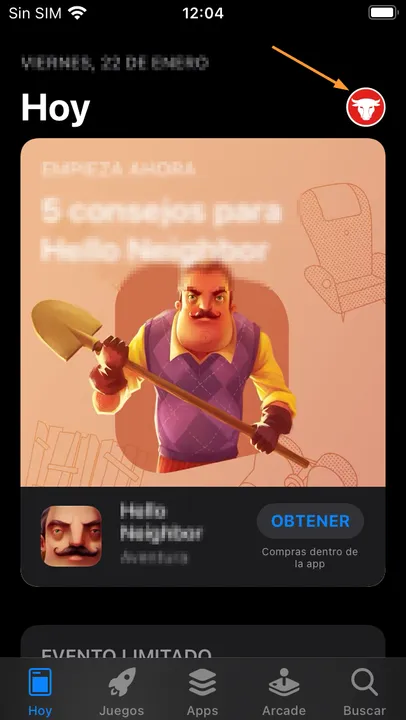
With the code from your email, open the App Store and tap your photo.
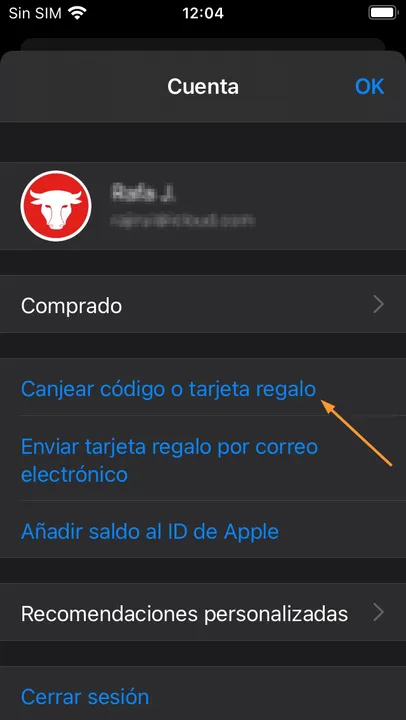
Tap “Redeem Gift Card or Code”.
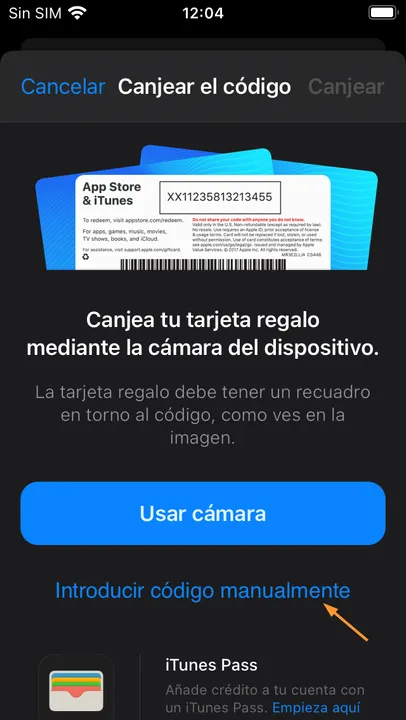
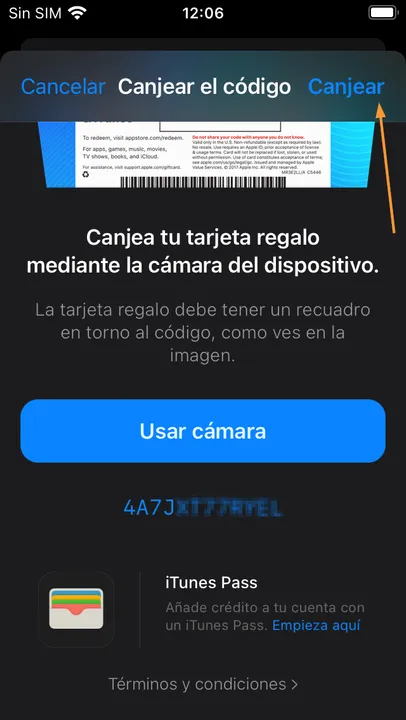
Tap “Enter Code Manually”.
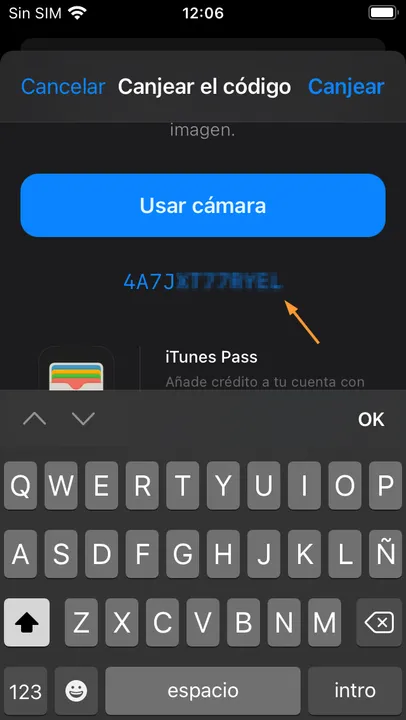
Enter the code and tap “Redeem”.
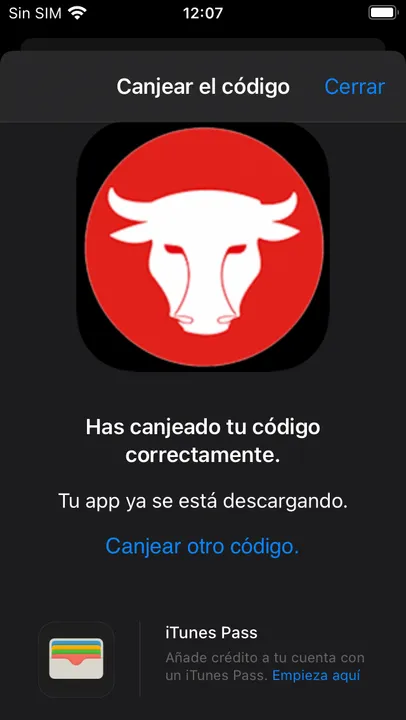
Wait for the download and tap “Close”.
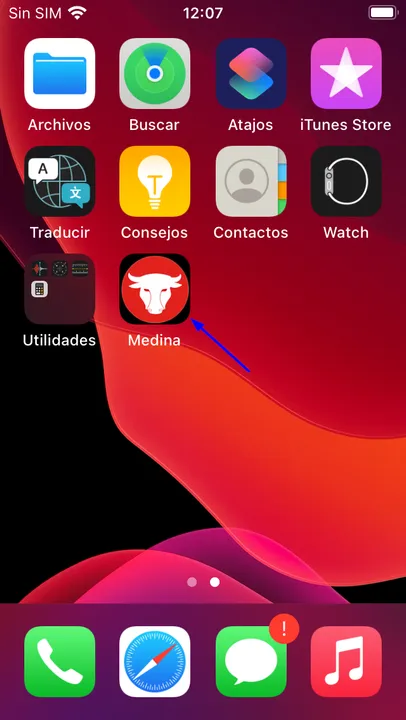
Open Medina and sign in with your employee number and holiday PIN.
You can also install the app by opening the email link on your iPhone.